Daleki Gaming · Studio 2060
3D learning games for kids aged 6 to 12
Score penalties with times tables, slice pizzas into fractions and wake up a sleepy island. Fifteen worlds to play in the browser with nothing to download.
- No ads
- No chat with strangers
- Ages 6 to 12
- English and Spanish
Pick your world
Fifteen games, zero downloads
Swipe, pick a game and play. It works on computers, tablets and phones.
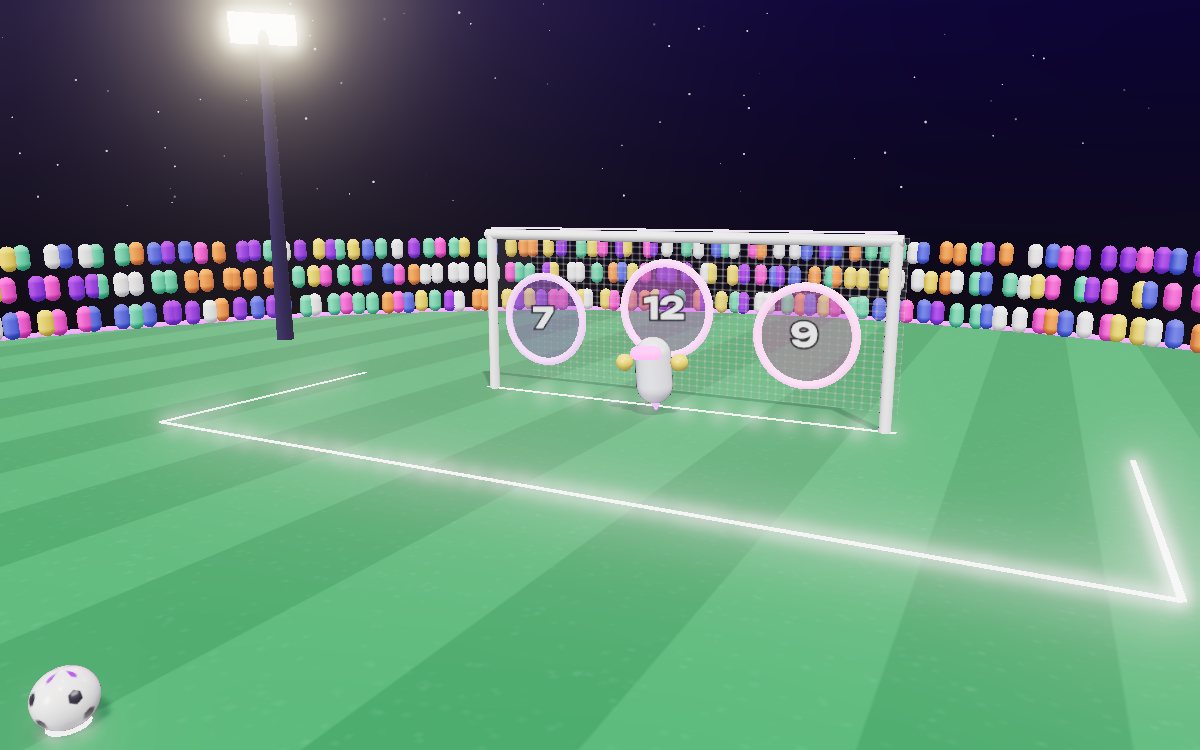
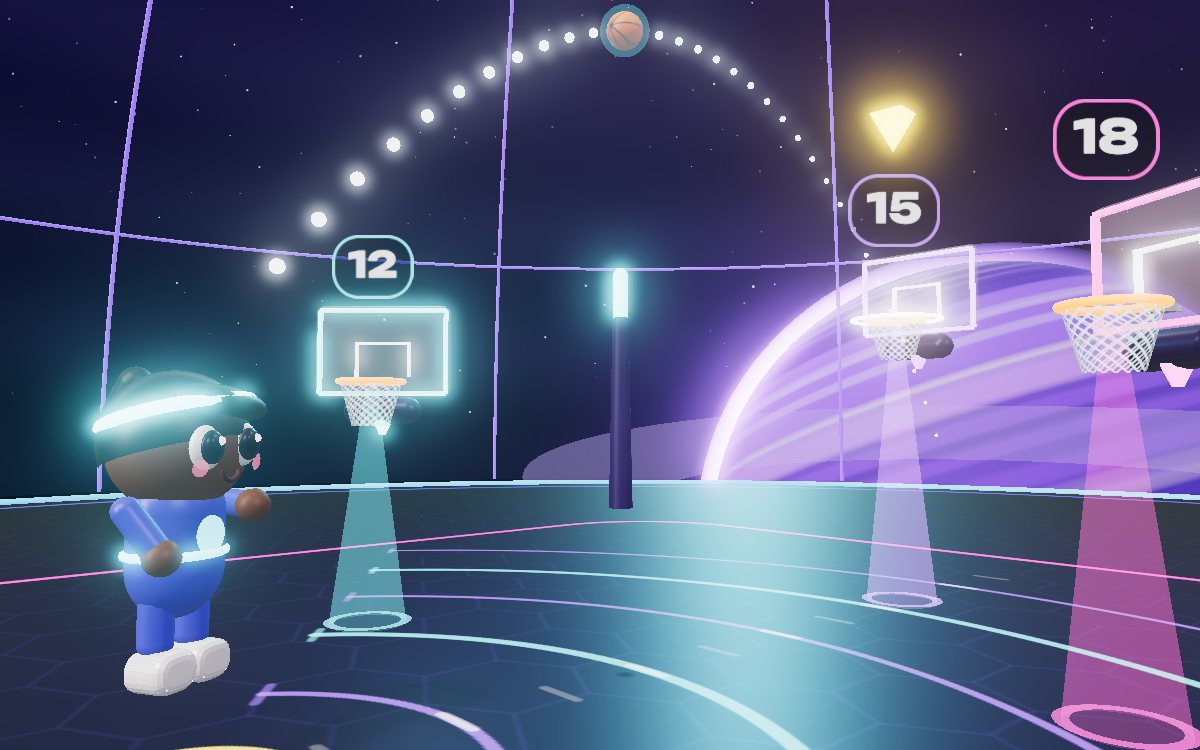
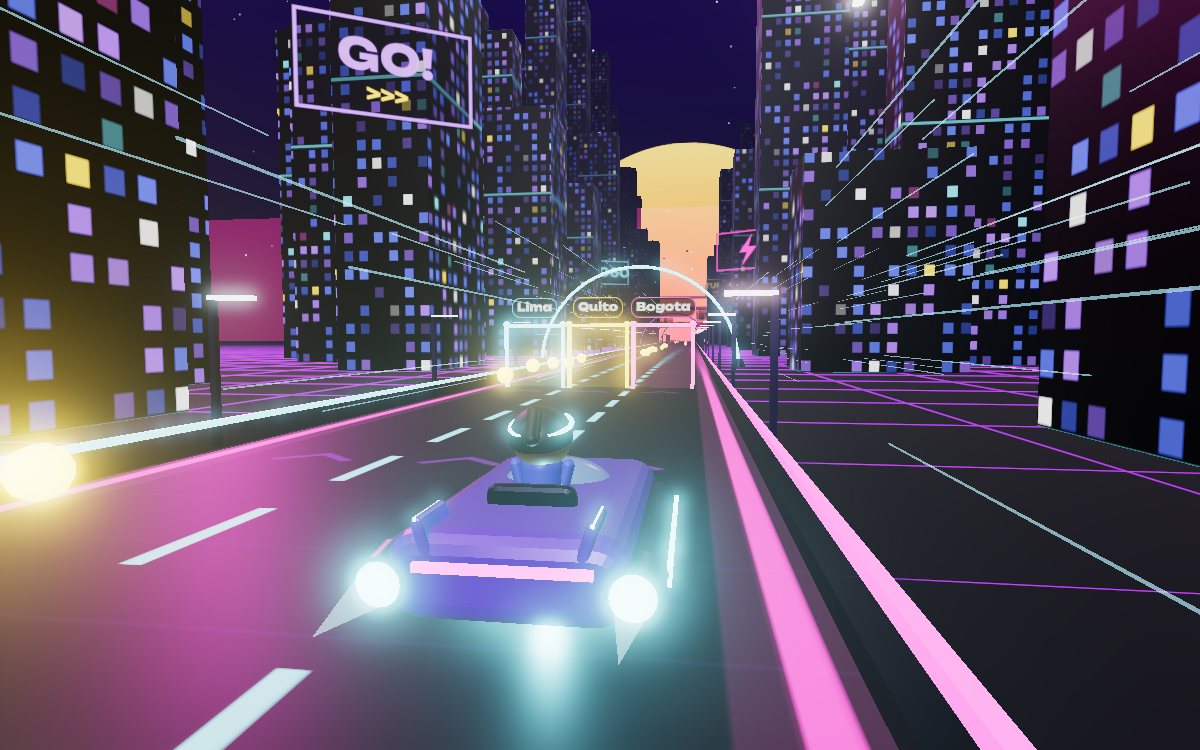
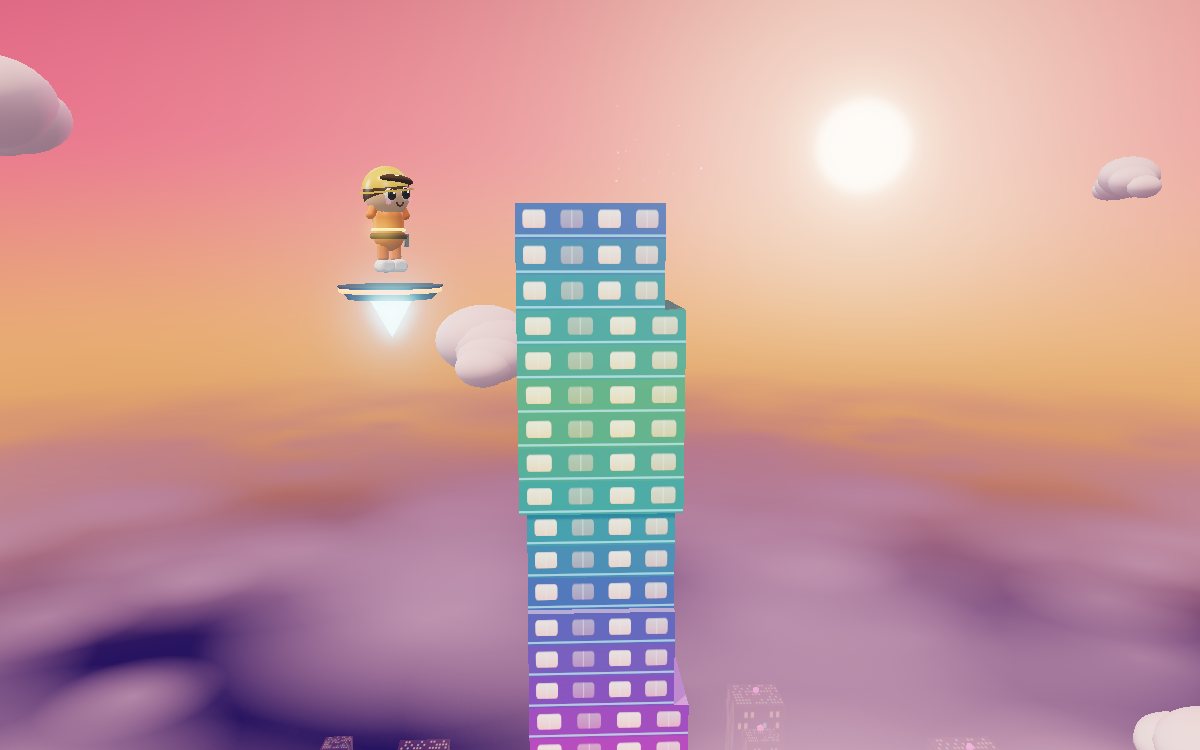
Five worlds
Sports, building, seasons, blocks and cooking
Each world has three games with their own way of practicing. Start with the one you like best.
Sports
Soccer, basketball and racing where every shot depends on getting the numbers right.
- Galactic Goal
- Quantum Dunk
- Neon Turbo
Building
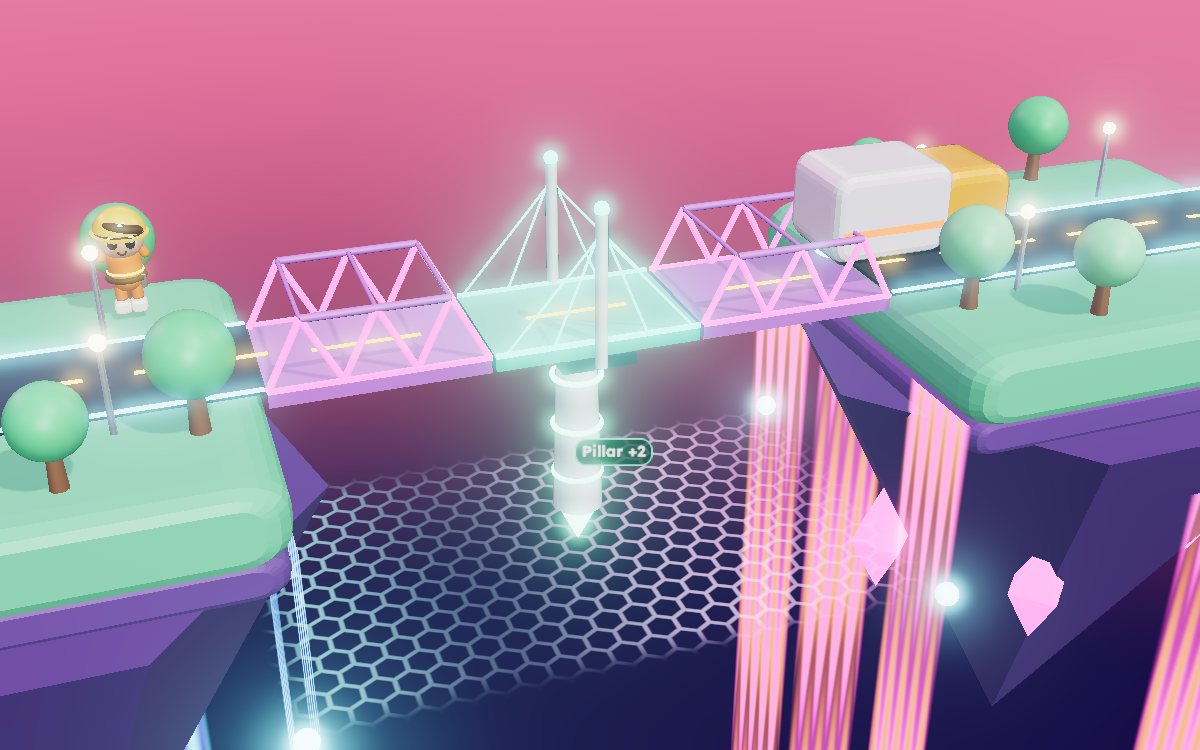
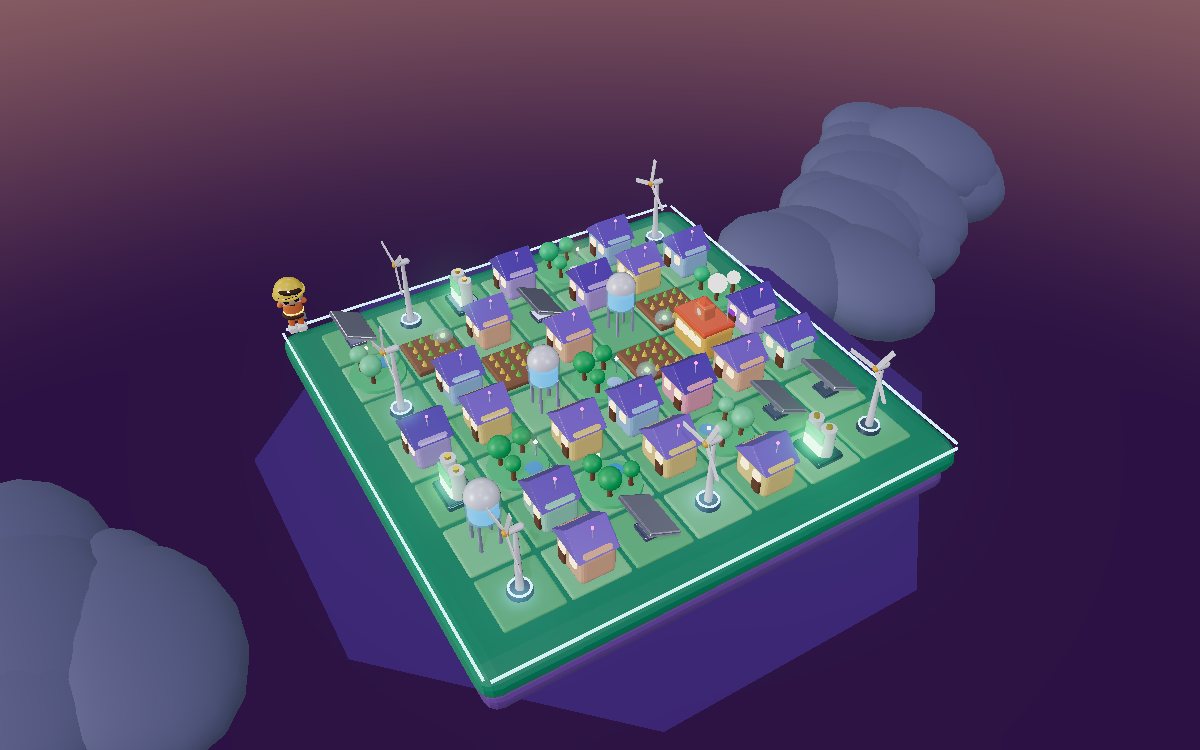
Towers, bridges and cities that stay standing when you think like an engineer.
- Infinity Tower
- Plasma Bridges
- Solar City 2060
Seasons
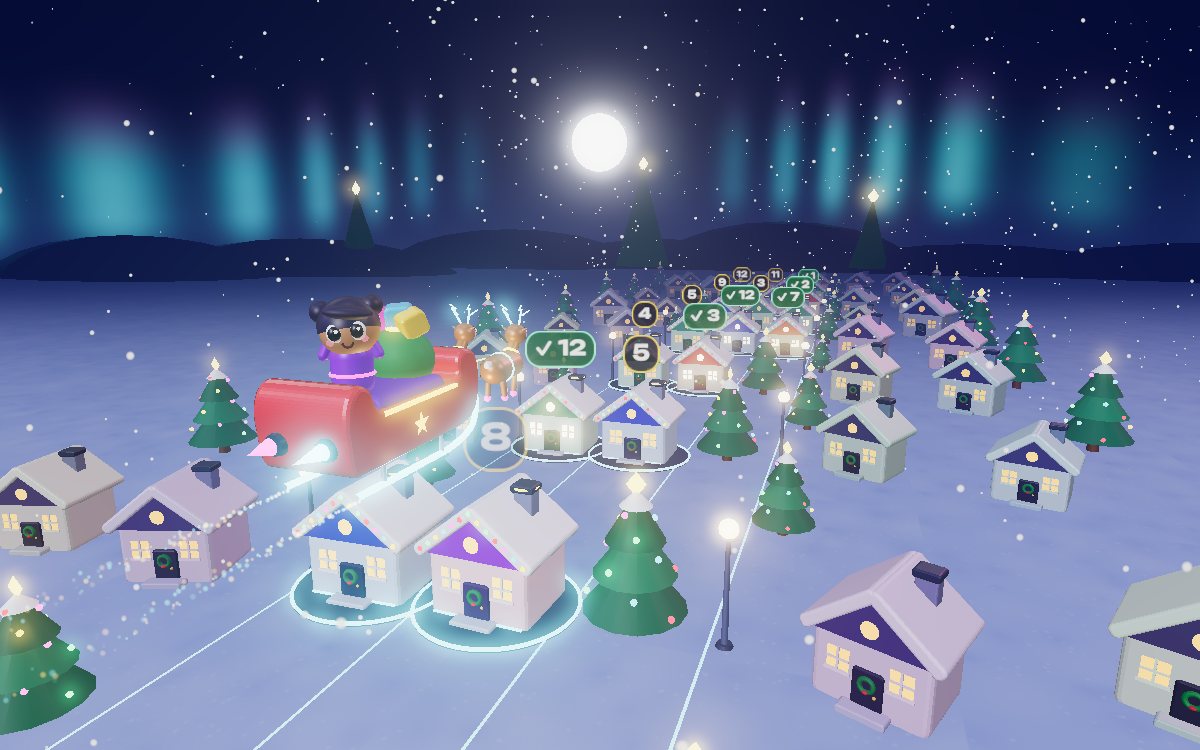
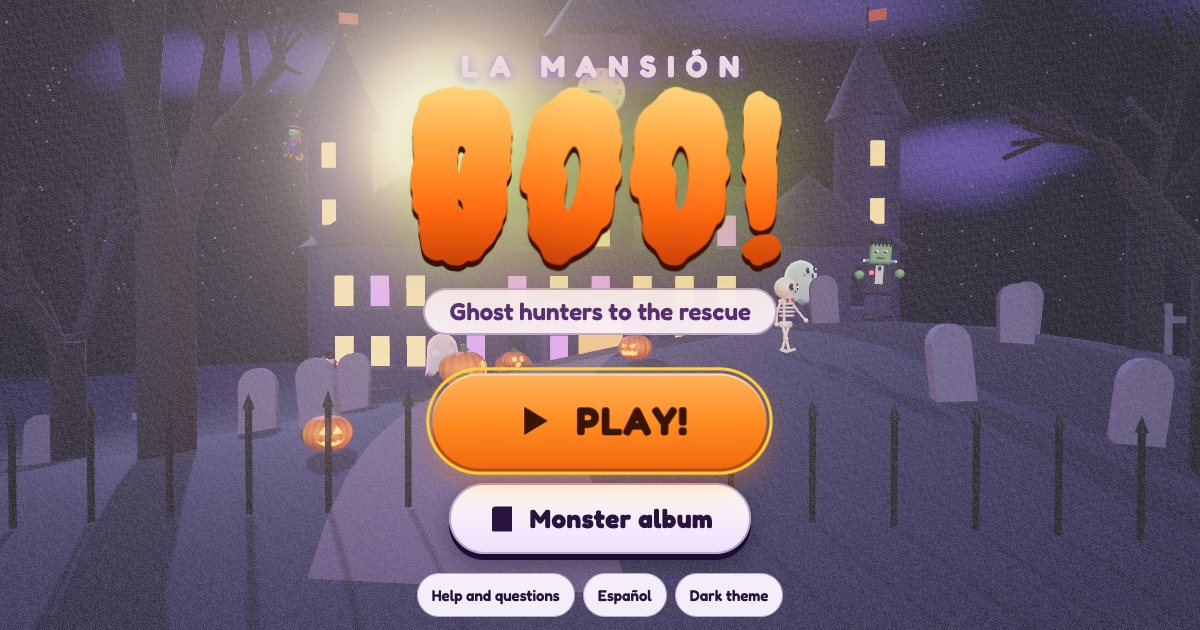
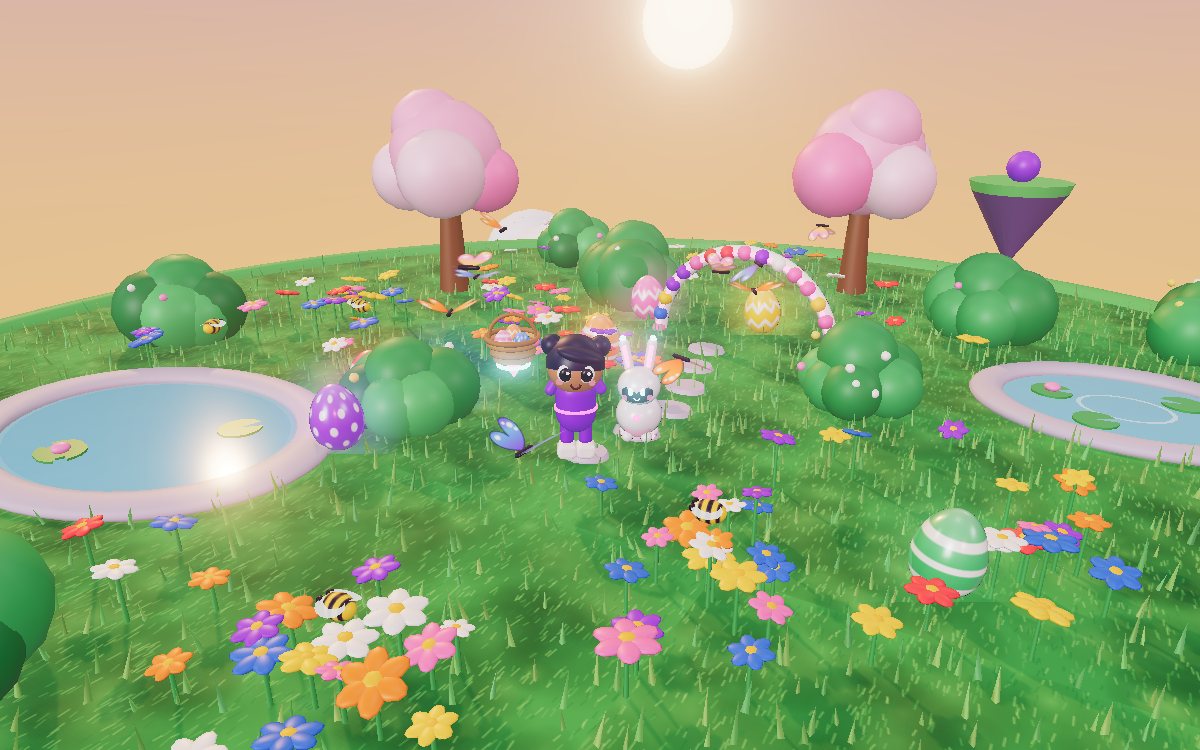
Christmas, Halloween and Easter with missions that change with the calendar.
- Star Sleigh
- La Mansión Boo
- Rainbow Egg Hunt
Block worlds
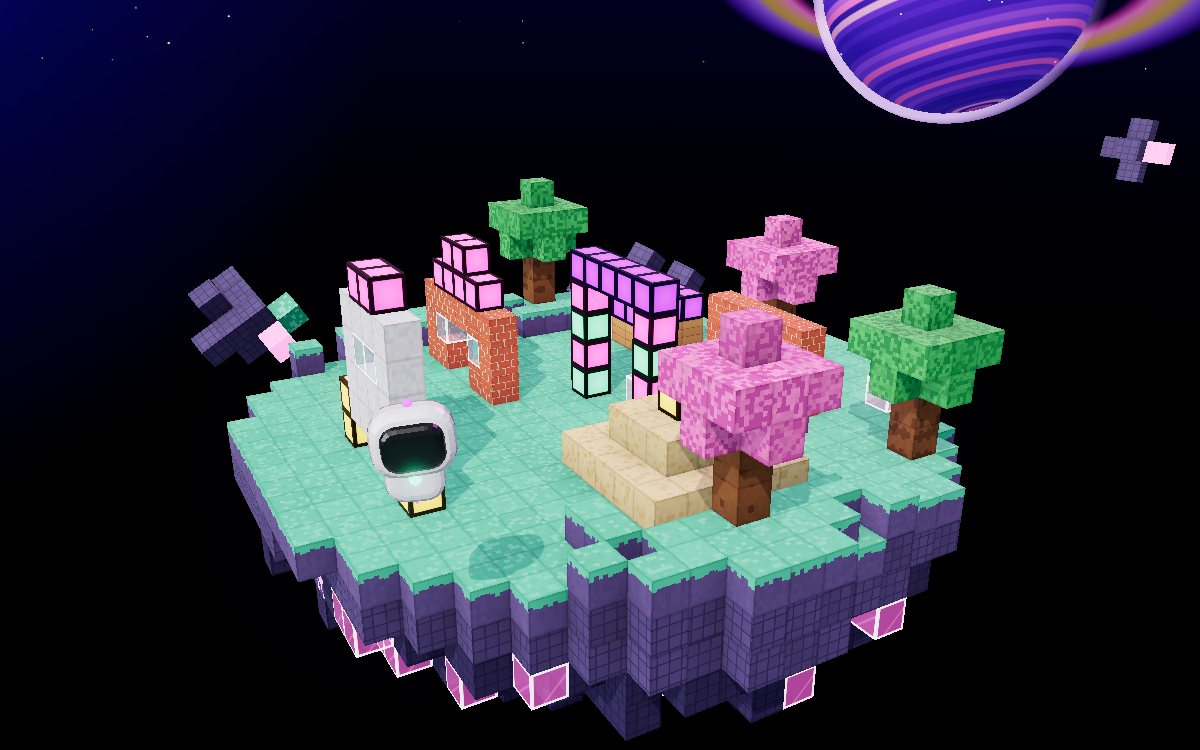
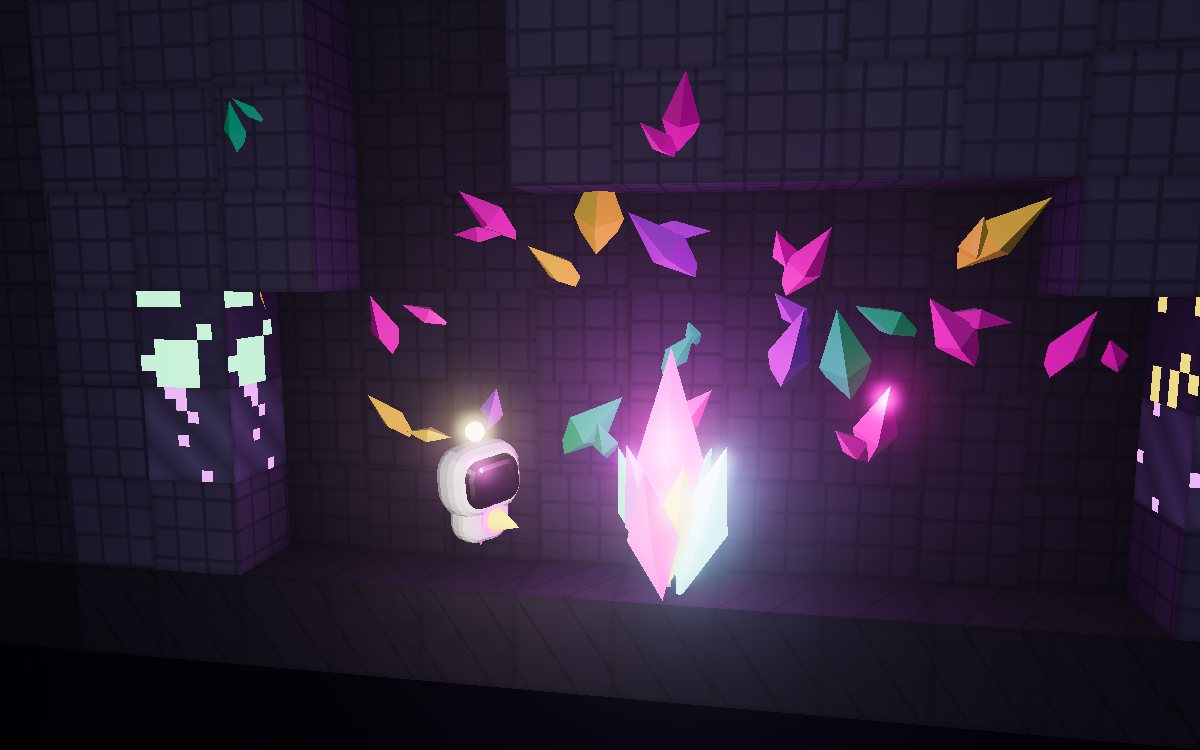
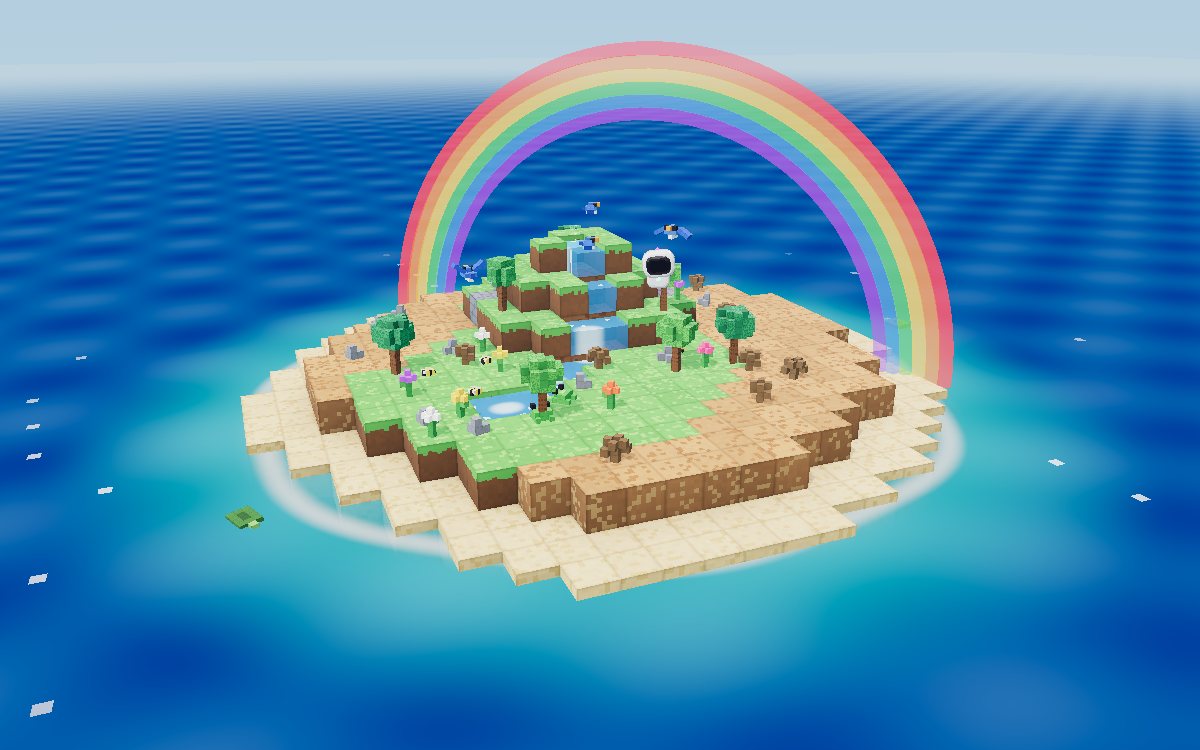
Cube worlds to build, dig and bring an island back to life.
- Cosmic Blocks
- Crystal Caverns
- Eco Island
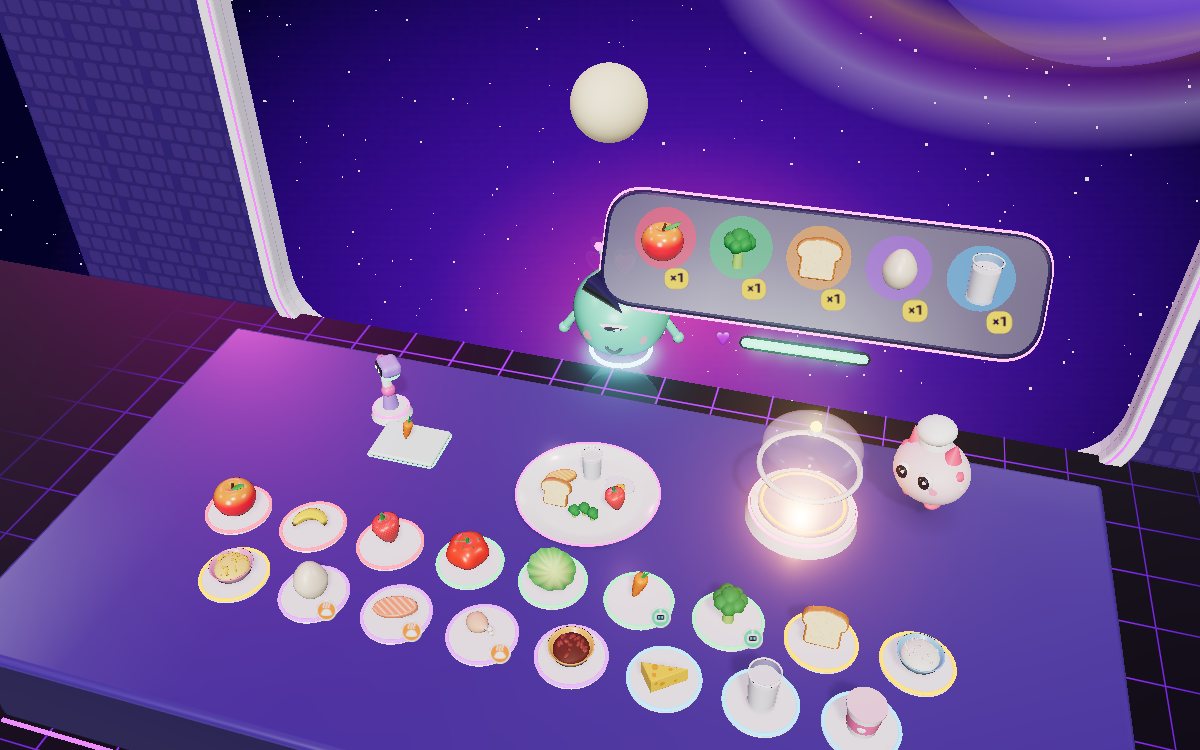
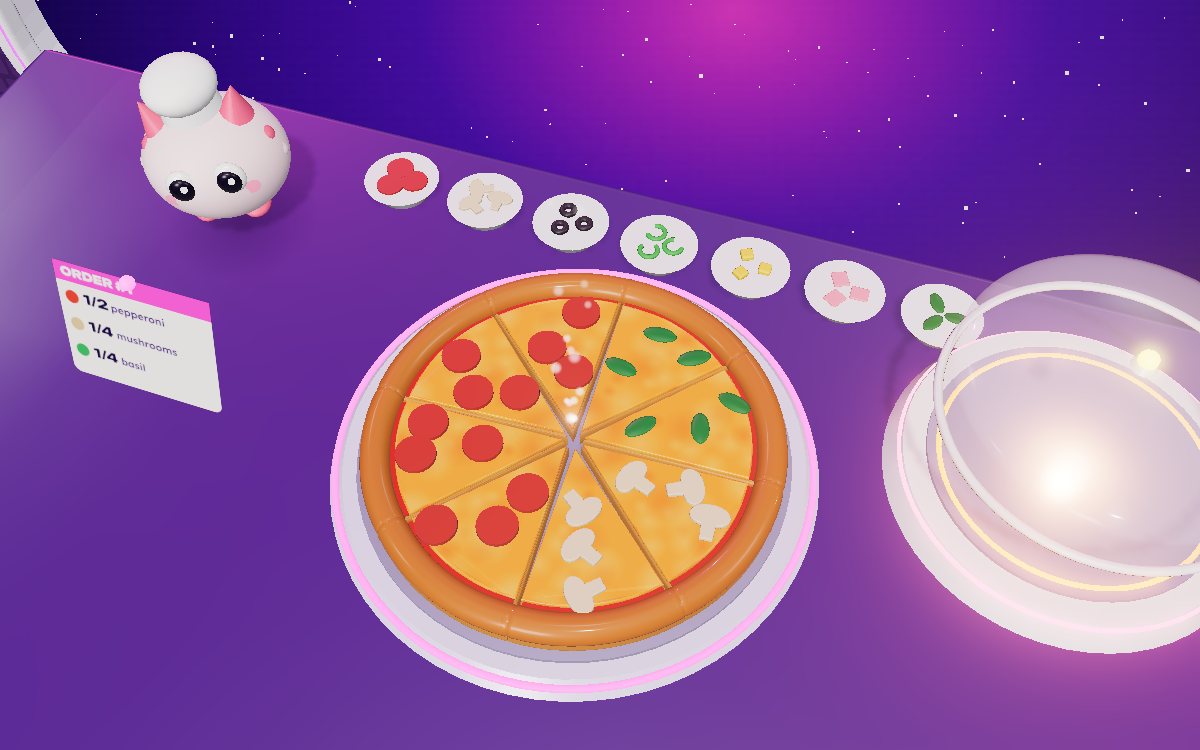
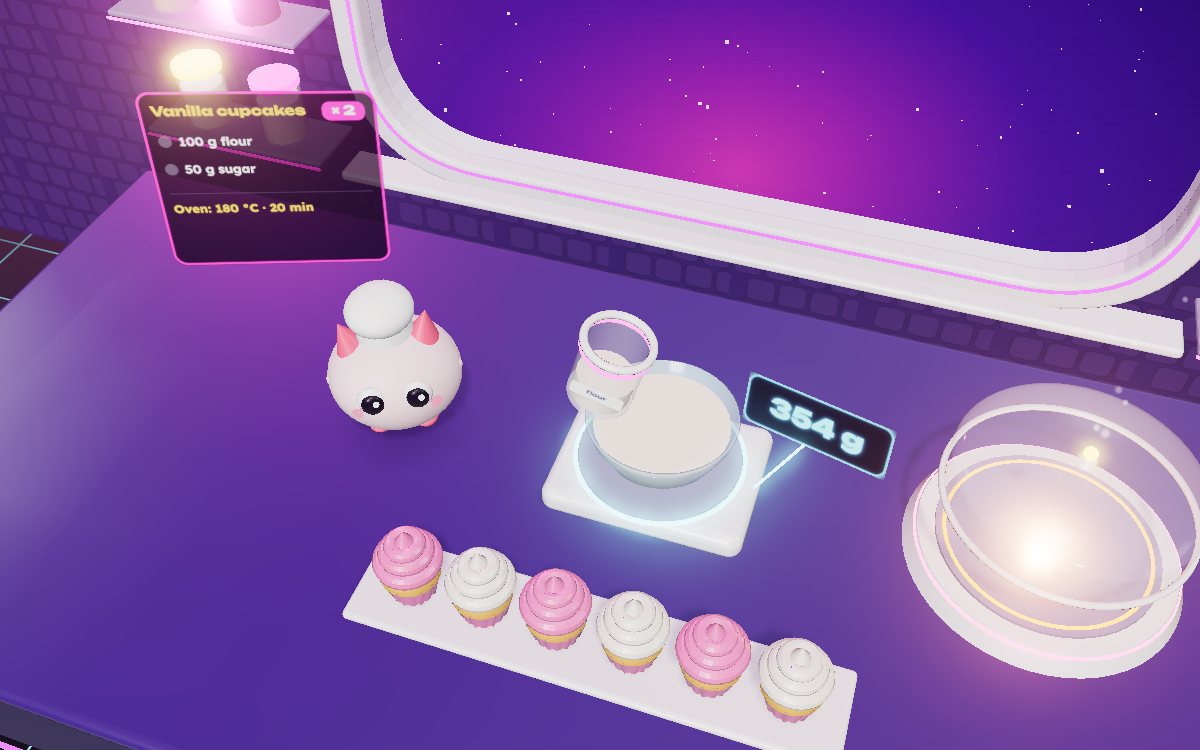
Kitchen
Recipes, fractions and measuring in the strangest kitchen in the galaxy.
- Galaxy Kitchen
- Fraction Pizza
- Dessert Lab
The crew
Five guides who play along
Nova, Kai, Luma, Byte and Mochi live on the Daleki station. Each one hosts their games, cheers your wins and keeps you going when something goes wrong.
Skill map
Six skills to practice
Every game practices specific skills and the difficulty adjusts itself: it goes up after three right answers in a row and eases off after two misses in a row.
Numbers
Addition, subtraction, times tables, fractions and measuring, right in the middle of the action.
Practiced in
- Galactic Goal
- Quantum Dunk
- Infinity Tower
- Plasma Bridges
- Star Sleigh
- Cosmic Blocks
- Crystal Caverns
- Galaxy Kitchen
- Fraction Pizza
- Dessert Lab
For parents and teachers
Made for the person handing over the tablet
Here is how every game works on the inside, in plain words.
No ads
We show no advertising of any kind, inside or outside the games.
Kids never buy anything
There are no buy buttons for kids. If the family chooses a plan, only an adult manages it from the family zone.
No chat with strangers
The games are single player. There are no messages, voice or photos from other people. Orbi, the robot guide, is an automated assistant that only talks about the studio and the games.
Nicknames from a list
Nicknames are built from fixed words, like "Swift Comet 27". We never ask kids for a name, photo or email.
You set the limit
Choose the daily play minutes. When the time is up a friendly break screen appears.
Report by skill
See what they practiced, how many answers they got right and which game suits them next.
Plans
Start free, no card needed
5 games free forever, one per world. The first time a device plays it gets 14 days of Premium with all 15 games, no card. Then it goes back to the free plan keeping all progress.
Explorer: free forever
5 full games, daily missions, badges and levels.
14 days of Premium
All 15 games and the exclusive rewards, no card and no commitment.
Kids never see prices or buy buttons. Plans are chosen by an adult.
Coming soon to your pocket
The Daleki Gaming app for iPhone, iPad and Android
We are building the app with the same games and synced progress. Leave a grown-up email and we will tell you on launch day.
Meanwhile, you can add Daleki Gaming to your home screen from the browser and open it like an app.
FAQ
What families ask us
What is Daleki Gaming?
It is 15 3D games for kids aged 6 to 12 that open in the browser with nothing to download. Each game pairs something kids love, like soccer, cooking or building, with practice in numbers, words, science or logic.
How much does it cost?
The Explorer plan is free forever: 5 full games, one per world, with no ads and no card. The first time a device plays it gets 14 days of Premium with all 15 games, also with no card, and then it goes back to the free plan keeping all progress. The Premium and Family plans are chosen by an adult on the plans page.
What ages are the games for?
Ages 6 to 12. Before playing, kids pick 6 to 8 or 9 to 12, and difficulty goes up after three right answers in a row and eases off after two misses in a row. La Mansión Boo, made for ages 6 to 10, and the building games use their own progression.
What do kids learn while playing?
It depends on the game: times tables in soccer and basketball, fractions at the pizzeria, measuring in the dessert lab, geometry in the tower, ecosystems on the island and vocabulary in the races. Each game page lists it. We show practice and correct answers, not school grades.
Are there ads, purchases or chat?
There are no ads and no chat with other people, and kids cannot buy anything. If an adult turns on the weekly leaderboard in the family zone, other people see only a nickname from a fixed list, a character and a score.
Can I cancel a plan?
Yes, at any time and with no penalty. Refund requests can be made within 15 business days after payment.
Do I need to create an account?
No. Progress is saved only on this device, with no email or password. The Family plan holds up to 4 profiles, each with its own progress.
Can we keep playing on another device?
Yes, once an adult turns on sync and the weekly leaderboard in the family zone. Then the profile creates a code that lasts 10 minutes to continue on another tablet, phone or computer.
What data do you keep about my child?
On the device: a nickname from a fixed list, the character and its accessories, the age range, the language and the results of each match. Nothing leaves the device until an adult turns on sync; from then on it is stored on our server under an identifier with no name. We never ask children for their real name, photo, location or email.
How do I delete the data?
In the family zone, under Data and privacy, with the Delete all data button. It deletes progress on the device and, if sync was on, on the server too.
What do I need to play?
A computer, tablet or phone with an up-to-date Chrome, Safari or Edge and 3D graphics turned on. Games work with touch, keyboard or mouse.
Does it work offline?
Games need a connection to open. Progress is saved on the device and, if sync is on, is sent when the connection comes back.
How do I control screen time?
In the family zone you choose the daily minutes. Active play time on this device counts, even when a match is left halfway. It is a reminder, not a device lock.
Are the games in Spanish too?
Yes. The whole studio is in English and Spanish. Switch language from the menu and progress stays the same.
Is there an app?
We are building it. Meanwhile, you can add Daleki Gaming to your home screen from the browser and open it like an app.
How do I contact you?
From the family zone. There you will find how to write to us with questions, ideas or requests about your data.